
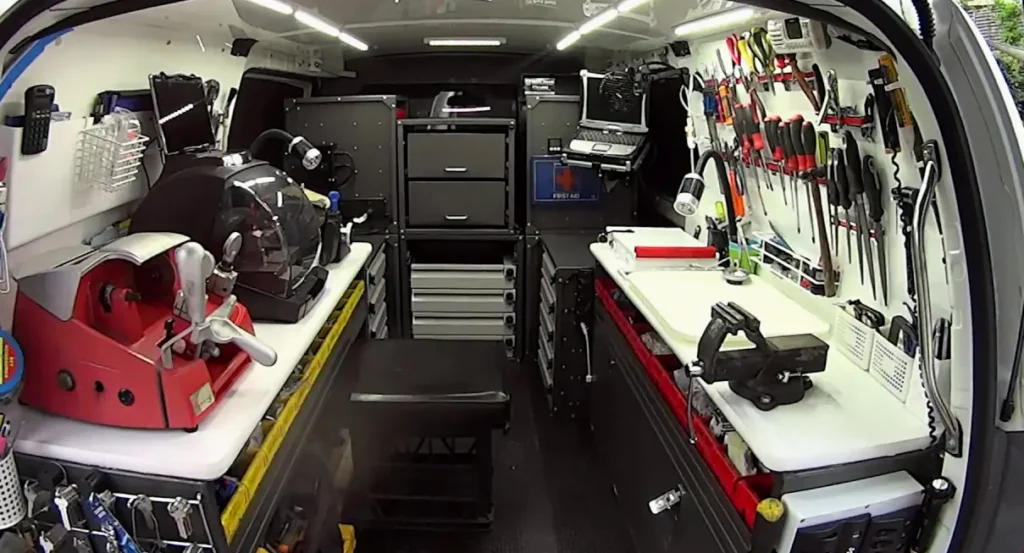
Mobile Smart Lock Service
Kwikset Halo Smart Lock Installation & Help in Fort Lauderdale, FL
Call (754) 342-6282 for kwikset halo installation in Fort Lauderdale. We come to you to install, troubleshoot, or rekey a compatible Halo lock, and check the door and deadbolt so the lock can operate smoothly.
- Open 24 hours a day, 7 days a week
- Mobile locksmith—we come to you
- Licensed and insured
- At least a 6-month warranty on parts and labor
Get a fast quote
How Kwikset Halo Works on Your Fort Lauderdale Door
Kwikset Halo is an electronic deadbolt that uses a keypad and a connection to the Kwikset app. Depending on the model, you can unlock the door with a user code or use the app to manage access and control the lock when it is connected.
The lock’s bolt still has to move cleanly through the door and into the strike plate. During installation or service, we check the door fit, bolt movement, and lock setup; a door that presses against the bolt can make an electronic lock seem like it has a keypad or power problem. For other Kwikset options, see our Kwikset locksmith services, including SmartCode locks.
Kwikset Halo Installation and Service We Bring to You
- Install and fit the deadbolt — We check the door preparation, bolt alignment, and strike plate, then install the Halo so the bolt can extend and retract without binding.
- Set up codes and app access — We help with initial lock setup and user-code configuration. App-connected features depend on the lock being properly connected to your home network.
- Troubleshoot keypad or lock response — We check battery condition, keypad response, bolt movement, and connection symptoms to narrow down why the lock is not operating as expected.
- Reset lock settings — A reset can clear saved settings or user access, so we can help you handle the reset and set up the lock again afterward.
- Rekey a compatible Halo lock — We check the exact Halo model and key cylinder before rekeying. See our rekeying service for more about changing which key operates a lock.
- Repair or replace a related door lock — When the issue is worn hardware or poor door alignment rather than the Halo electronics, we can assess the lock and door components. A matching Kwikset handleset may also be relevant when updating the entry hardware.
Need help now? (754) 342-6282
Common Kwikset Halo Problems We Check
The keypad does not respond
Low batteries, a keypad issue, or a setup problem can prevent code entry from working. We check the power and lock response before treating the unit as a failed lock.
The bolt sticks or stops partway
A bolt that binds against the door frame often points to alignment or pressure at the strike plate. The electronic lock needs a clear path for the bolt to move.
The app cannot reach the lock
A dropped network connection or incomplete setup can interrupt app control while the lock itself still responds at the door. We check the lock’s local operation separately from its connection.
Codes or saved settings do not work
A code may have been removed, entered incorrectly, or lost during a reset. We check the setup and help restore the access you intend to keep.
Three Safe Checks Before Calling About a Halo Lock
- Check the batteries — Replace weak batteries using the type and placement shown in your owner’s guide. Make sure the battery contacts are seated correctly before testing the keypad again.
- Try a code you know is active — Enter the user code carefully and check that it has not been disabled or changed. Avoid repeated guesses, which can trigger a temporary lockout on some electronic locks.
- Check for door pressure — With the door open, test whether the bolt moves freely using the normal lock controls. If it works open but binds when the door is shut, the door or strike alignment may need adjustment.
Need help now? (754) 342-6282
Frequently asked questions
What should I do when my Kwikset Halo stops responding in Fort Lauderdale?
Check the batteries and try a user code you know is active, then see whether the bolt moves freely with the door open. If the keypad remains unresponsive or the bolt binds, call us at (754) 342-6282; we come to you in Fort Lauderdale to inspect the lock and door.
Can a Kwikset Halo fit my existing front door?
It depends on the door preparation, deadbolt opening, and alignment with the strike plate. We check the existing door and hardware at your property before installing the Halo, so a mismatch or binding bolt can be addressed as part of the work.
What happens if the power or batteries run out on a Kwikset Halo?
The lock uses batteries, so depleted batteries can stop keypad and app-connected functions from responding. Replace them according to the owner’s guide; if your model has a keyed cylinder, its key may still operate the lock.
Can you rekey my Kwikset Halo without replacing the whole lock?
A Kwikset Halo rekey depends on the model and its key cylinder. We inspect the lock to confirm whether it supports rekeying, then can change the key operation without assuming every Halo version uses the same hardware.
How do I add a user or guest code to my Kwikset Halo?
Use the Kwikset app or the instructions for your specific Halo model to add a user code; the steps can vary by model and setup. Keep a record of who should retain access, and contact us if the lock will not save or accept the new code.
Get Your Kwikset Halo Working at Your Door
Call (754) 342-6282 for mobile Kwikset Halo installation or service in Fort Lauderdale. We’re open 24/7 and come to you.